Why build another DataGrid?
Complexity in business applications goes far beyond rendering cells. It grows around editing, staged changes, late or out-of-order backend responses, conflicts, filtering, and persistent view state. Implementing those rules independently for every UI framework makes the system harder to evolve and test.
In PhialeGrid I separate a shared Core from thin frontend adapters. Each grid instance owns its runtime. Native WPF and Avalonia events are adapted to the neutral UniversalInput protocol, while applications can use a typed API. This split works in code and has tests.
What works?
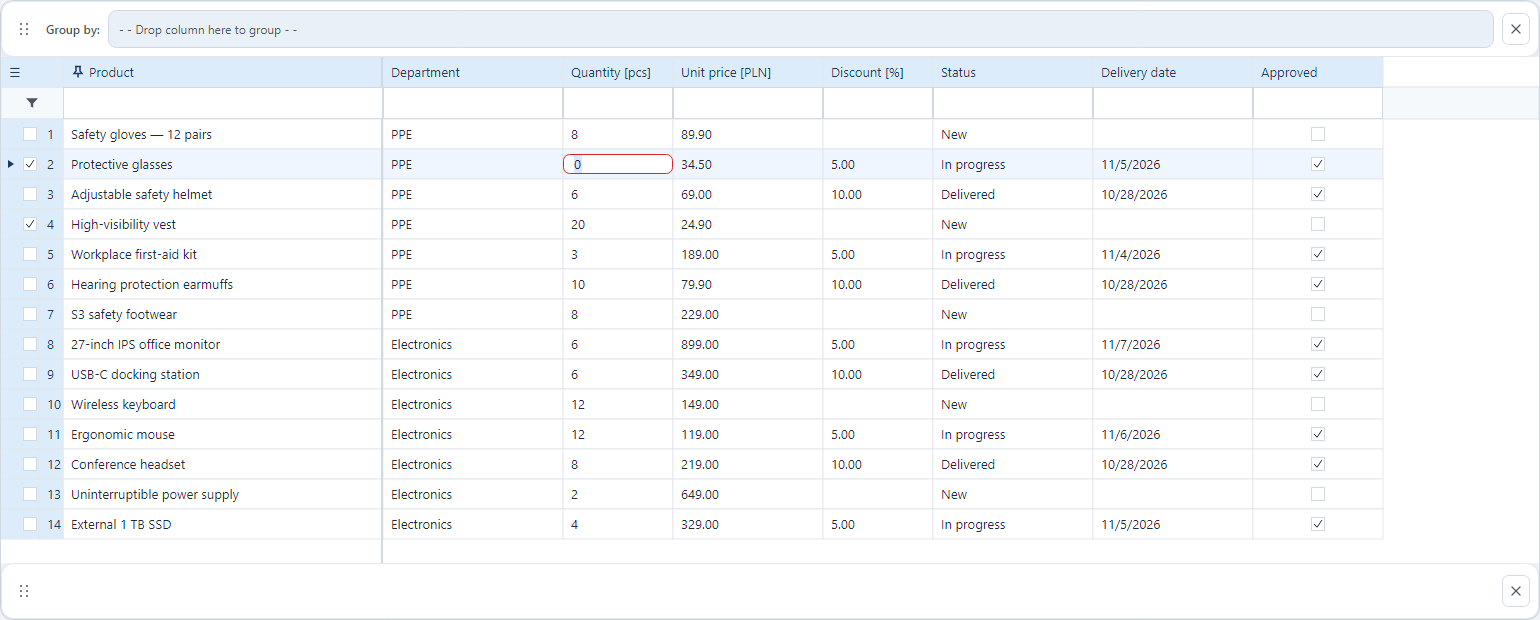
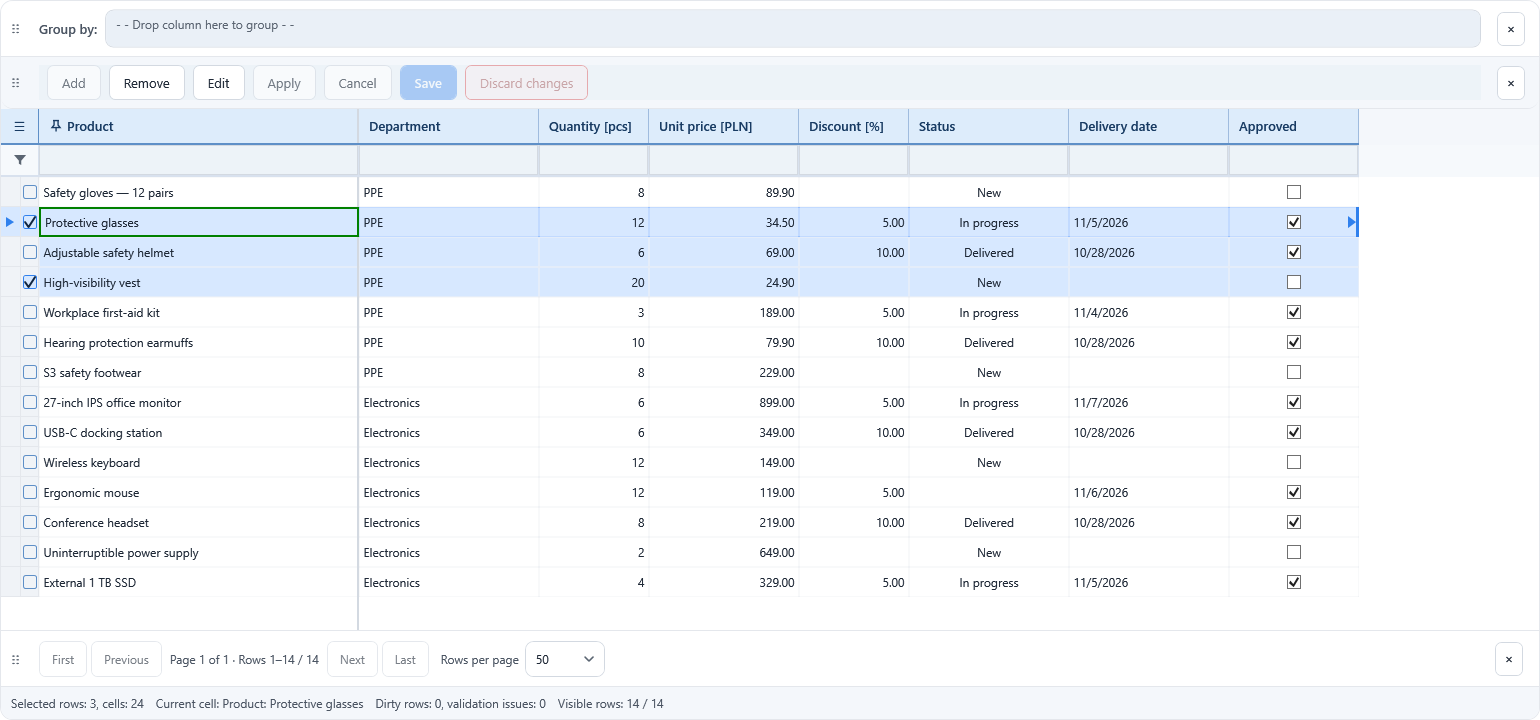
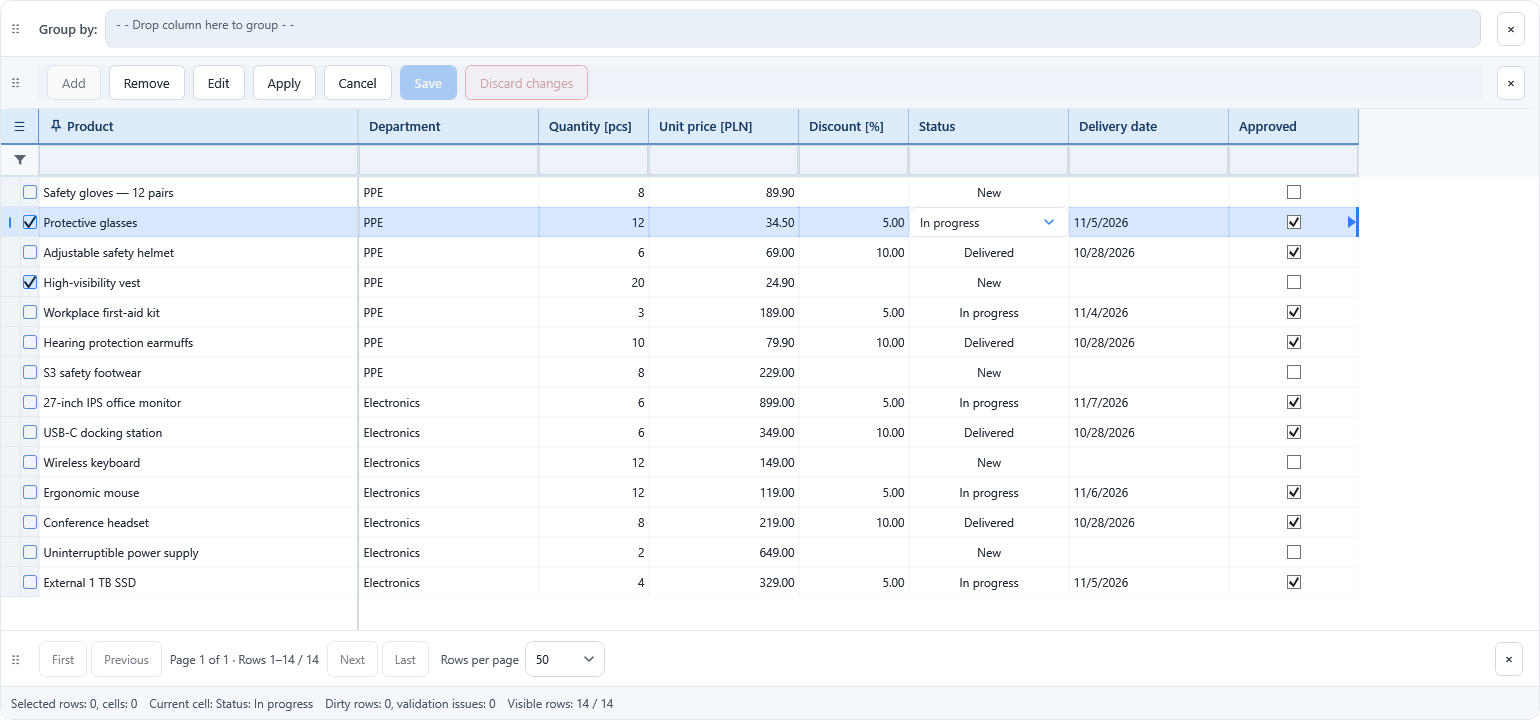
WPF. WPF is currently the more complete frontend. The demonstration application supports local data, REST data, snapshots, native editors, grouping, and a change panel.
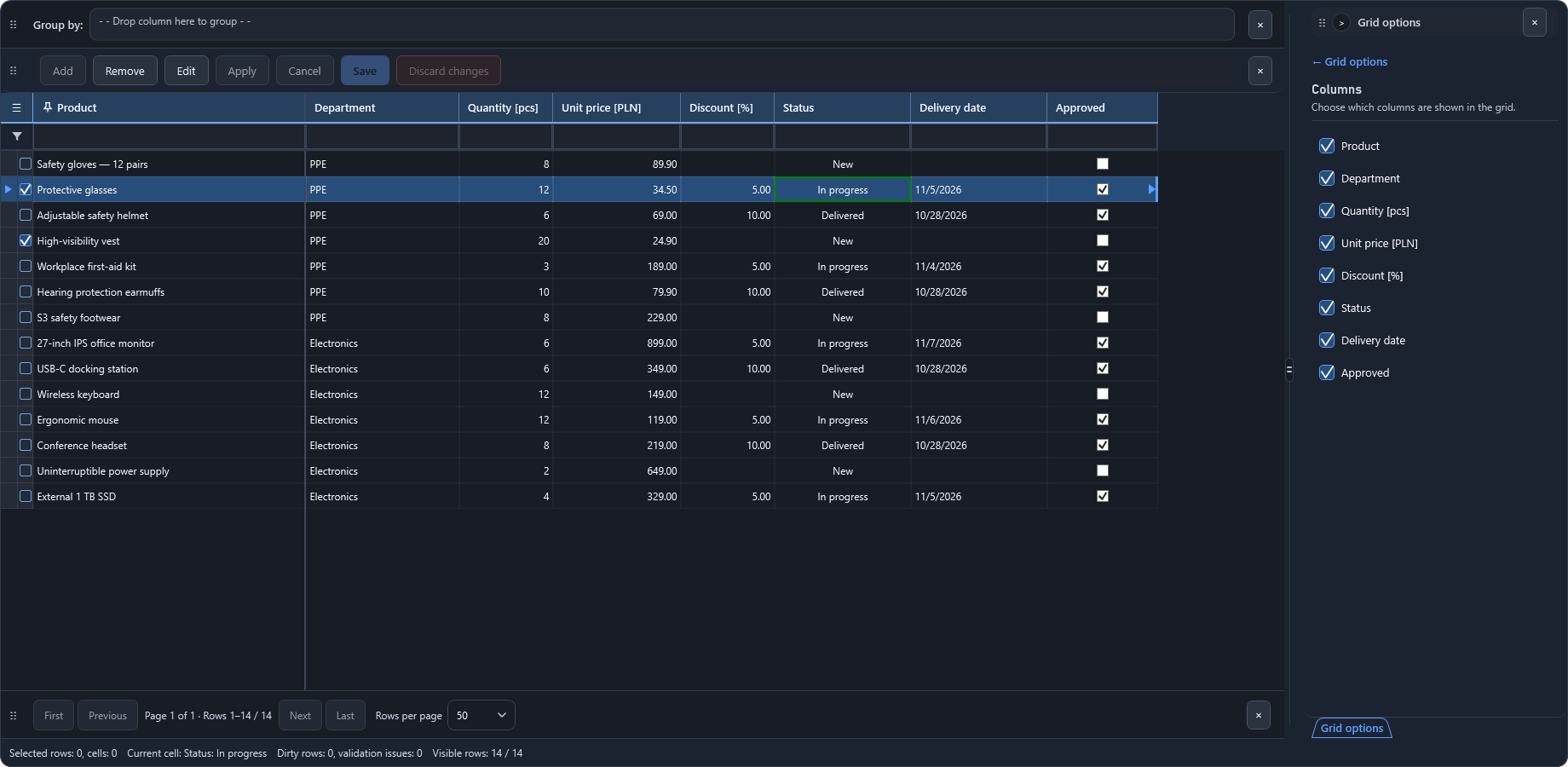
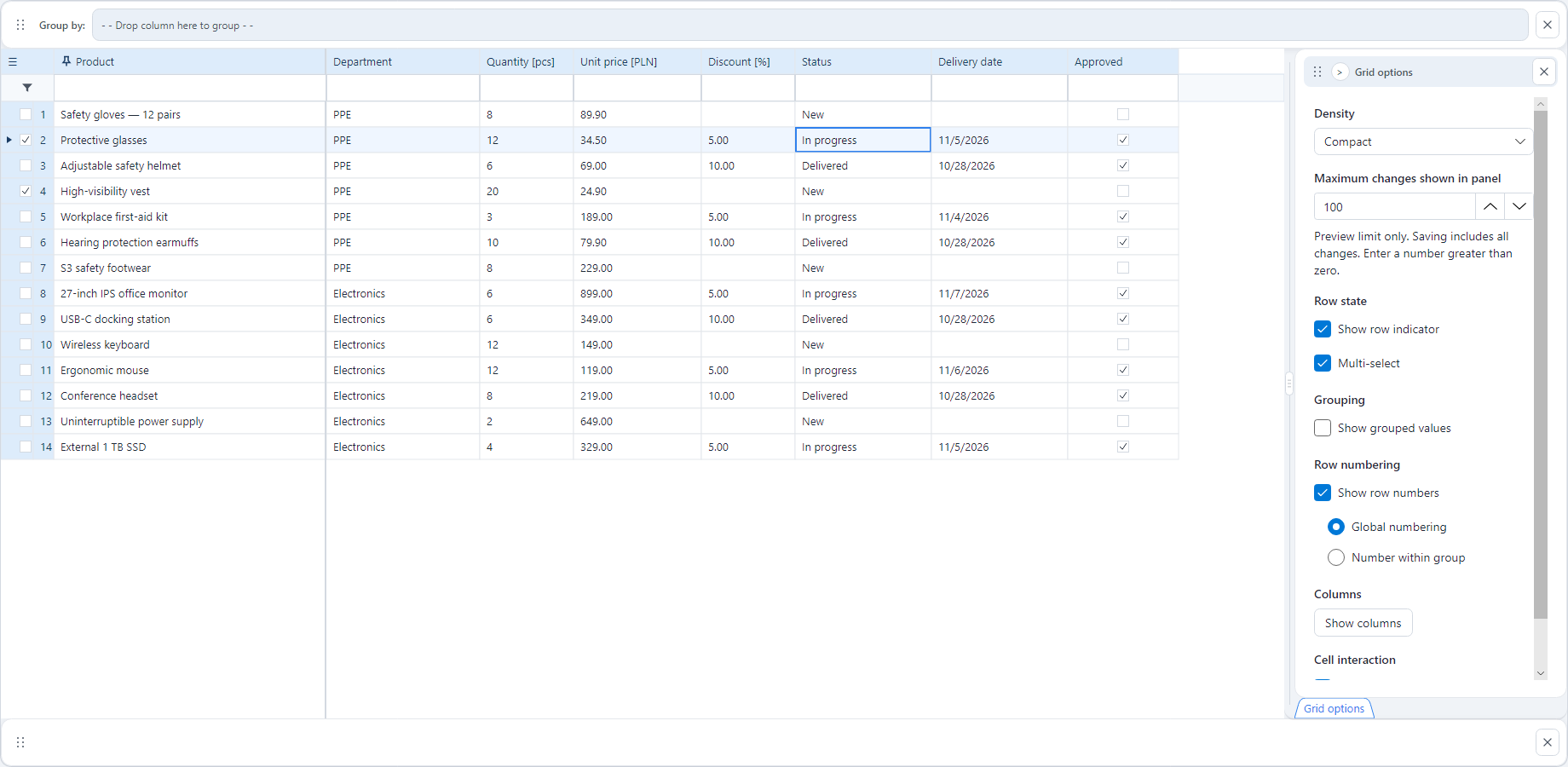
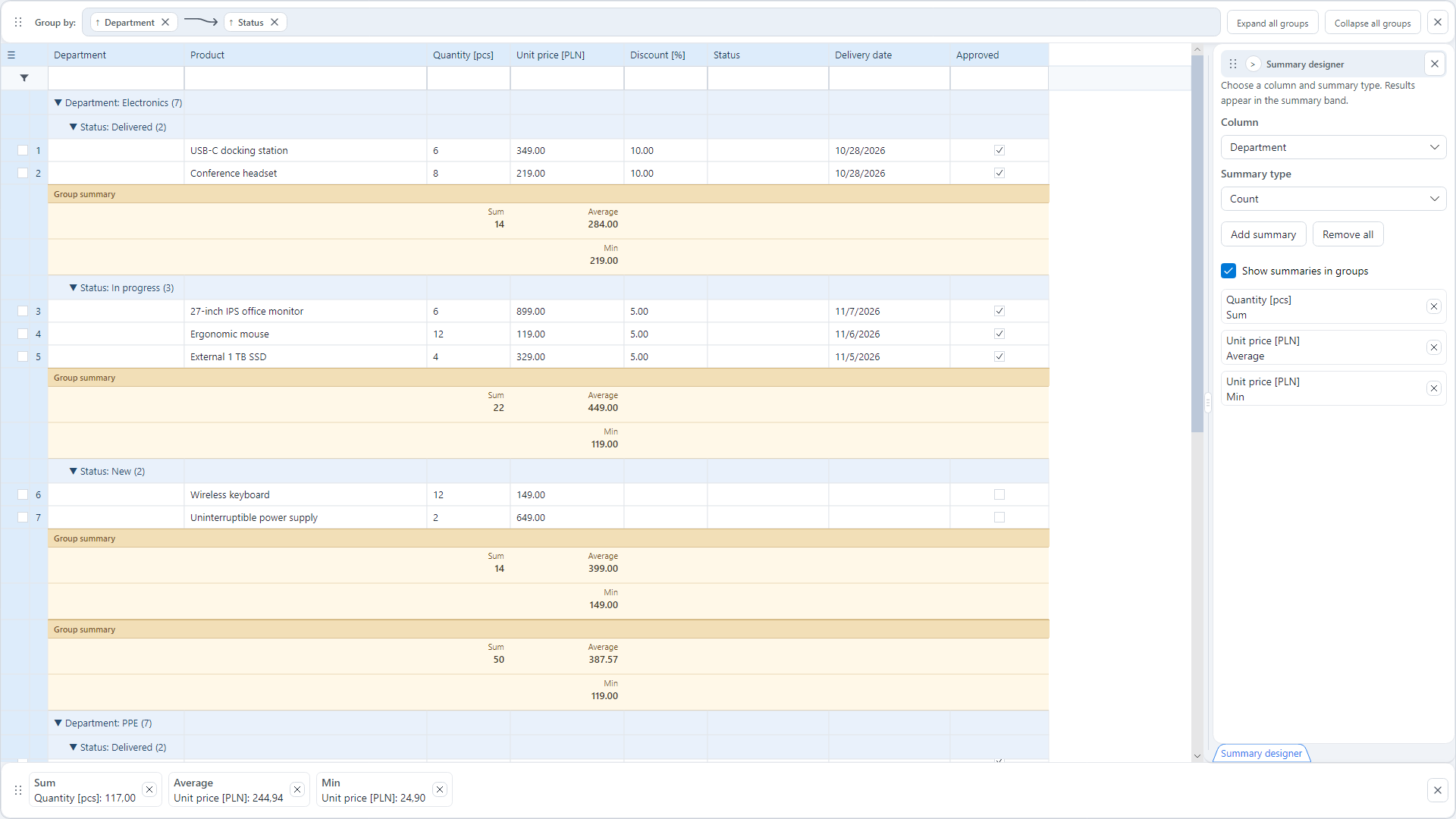
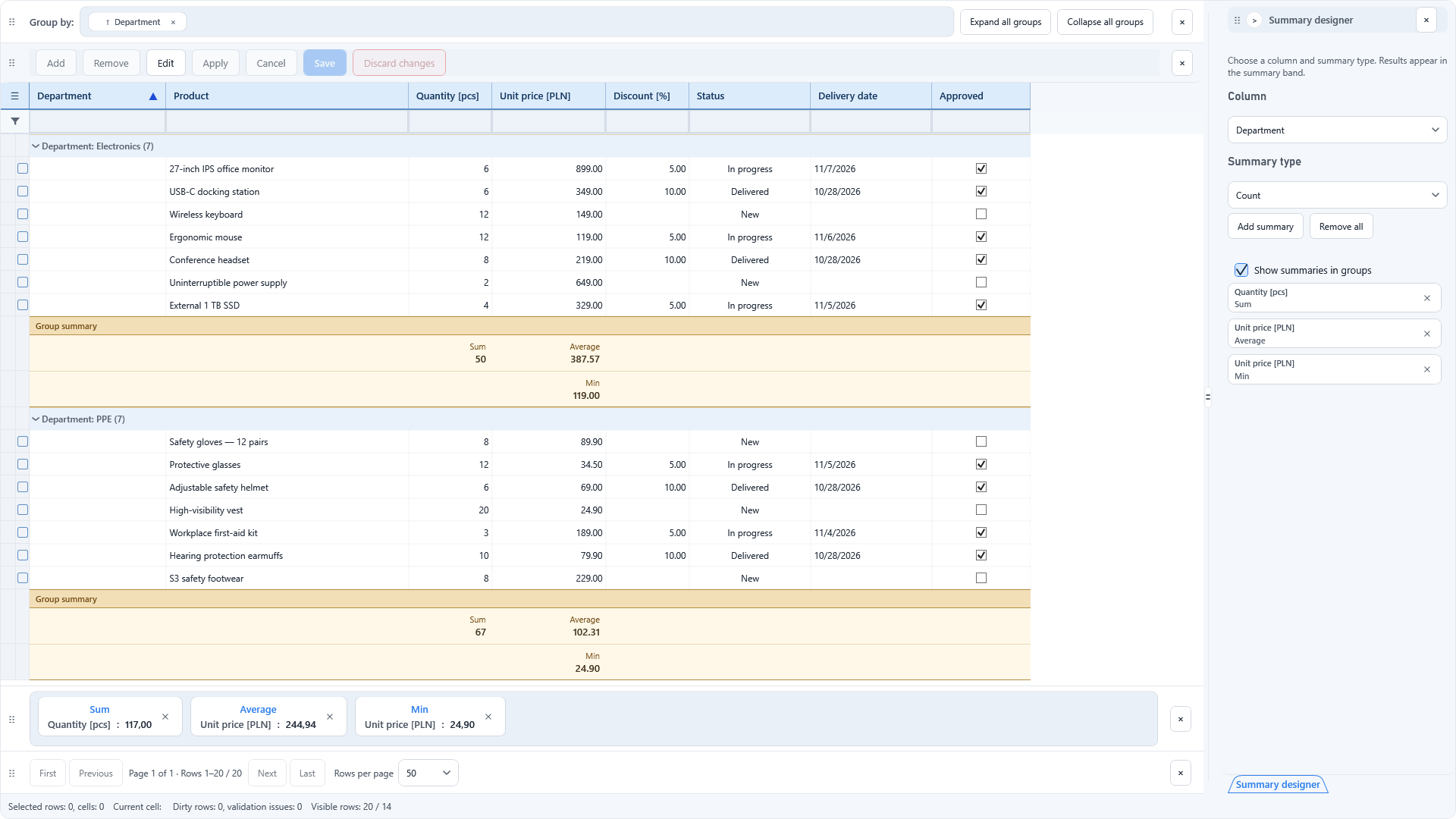
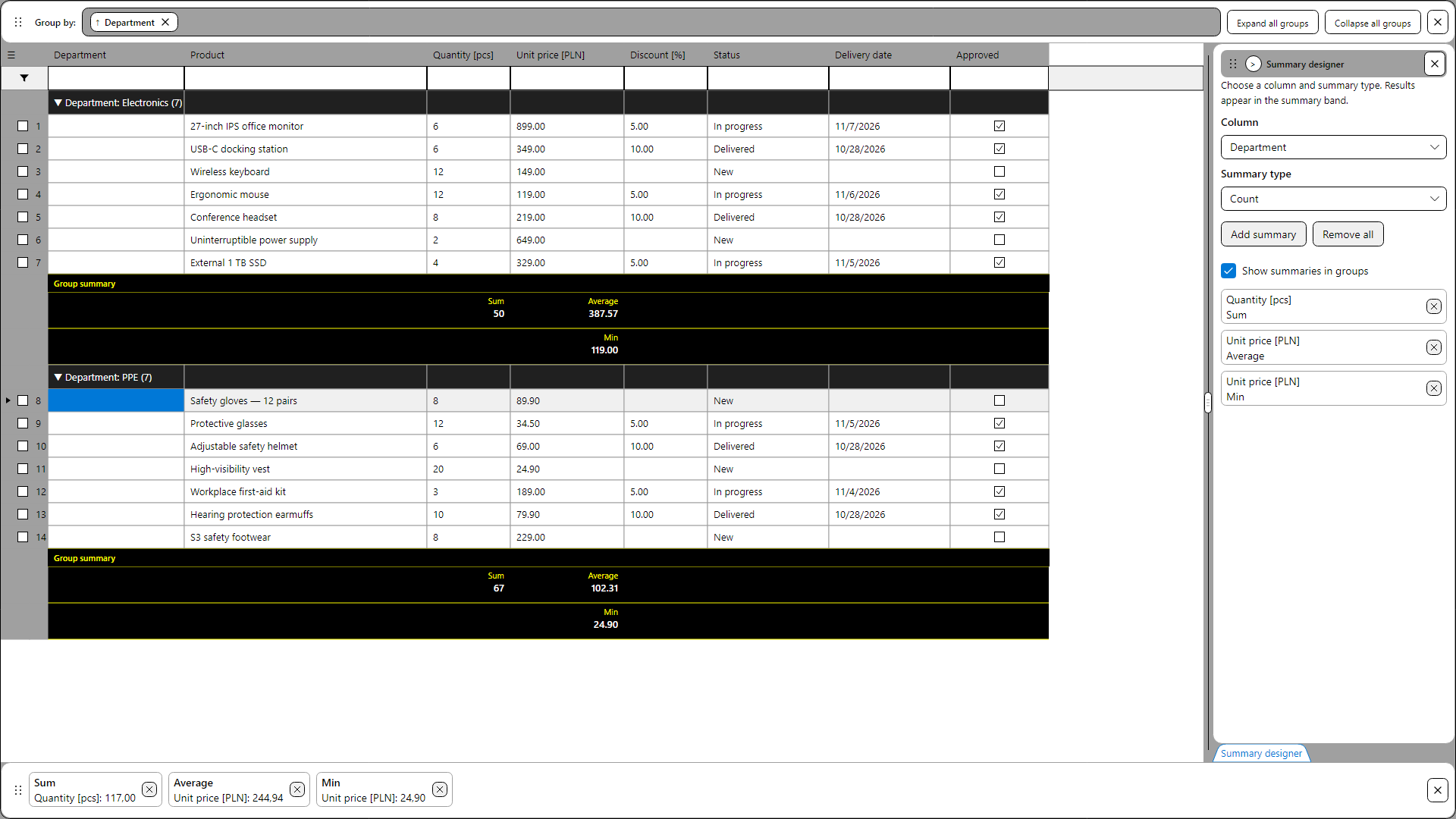
Avalonia. The Avalonia implementation uses the shared Core and supports grouping, summaries, in-cell editing, and provider-backed data scenarios. The demo presents these features in day, night, and high-contrast themes.
What makes the architecture interesting?
- Change sessions: cell editing, staging changes, and committing them to a backend are distinct steps. Tests cover version conflicts, partial results, and retries; server transactionality and idempotency remain backend responsibilities.
- Grouping: one column can expose several separate aggregates, for example Sum and Average, presented as readable summary blocks.
- Virtualization: the model separates the logical size of a dataset from records loaded in memory. One test scenario covers a million logical positions with just 50 loaded records.
Features shown in the screenshots
- Grouping by more than one field, with expandable nested groups and sums or counts computed for the displayed groups.
- A summary designer that lets the user select which column is aggregated and how, instead of presenting a fixed totals row.
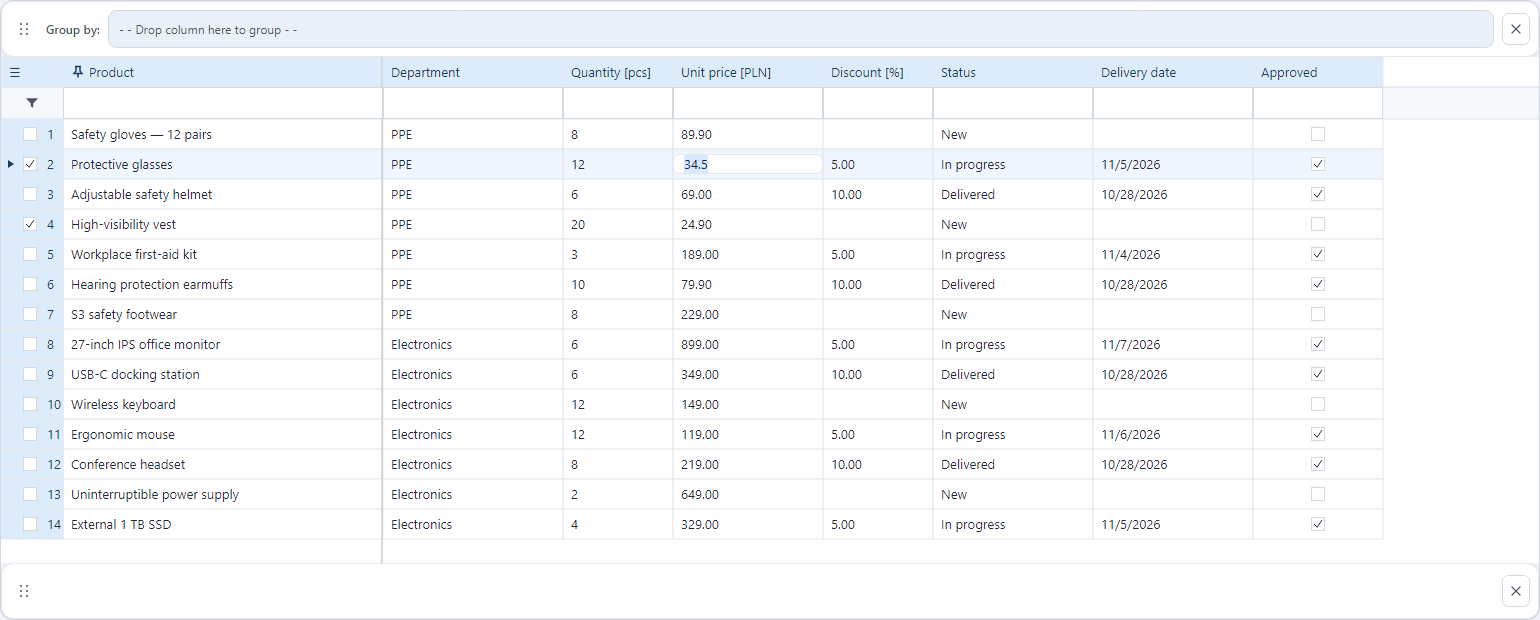
- In-cell editors and validation feedback, alongside selection, sorting and column configuration.
- Separate day, night and high-contrast themes.
Why Avalonia?
Avalonia already offers data presentation controls, both free and commercial. What interests me in PhialeGrid is a particular approach: sharing behavior with WPF and building a richer model for editing, state management, and data sources. That makes it possible to evolve business applications without maintaining two separate grid engines.
Avalonia 12.1 market context ↗
What comes next?
The order will be: first a demo application to download, then NuGet packages in Preview for WPF and Avalonia. Integration documentation and usage examples will appear on NeptunTech along with them.